Beyond Basic DNS: Why Power Users Are Switching to NextDNS
Introduction: The DNS Dilemma
For years, Cloudflare (1.1.1.1) and Quad9 (9.9.9.9) have been go-to choices for users seeking fast, privacy-focused DNS resolution. Their simplicity is a major draw—just plug in the numbers and you’re protected from tracking and malware. But that same simplicity comes with a cost: limited control. If you’ve ever wished you could block specific domains, review query logs, or customize filtering rules, you’ve hit the wall. That’s exactly what drove me to explore NextDNS, and after making the switch, I’m convinced it’s the upgrade many power users have been waiting for.
Where Cloudflare and Quad9 Fall Short
Both Cloudflare and Quad9 are excellent at what they do: fast DNS resolution with built-in privacy. Cloudflare’s 1.1.1.1 promises no logging of personally identifiable information, while Quad9 blocks known malicious domains by default. But for advanced users, the lack of configurability becomes a frustration:
- No per-device policies: You cannot apply different rules for your laptop, phone, or IoT devices.
- No detailed analytics: You get no insight into which domains are being queried or how often.
- No custom blocklists: You are limited to the provider’s default security lists.
- No filtering categories: Want to block ads but allow social media? Not possible.
These limitations are fine for casual users, but if you want to actively manage your network’s DNS traffic, you need more.
Enter NextDNS: The DNS You Control
NextDNS is a cloud-based DNS service that combines the speed and privacy of Cloudflare/Quad9 with the granular control of a local DNS server. It offers a web dashboard where you can configure every aspect of your DNS filtering—and it’s available across devices, operating systems, and even routers.
Key Features That Set NextDNS Apart
Here are the capabilities that convinced me to switch:
1. Detailed Query Logs
NextDNS provides a real-time log of every DNS query made on your network. You can see which apps or devices are calling home, spot unexpected connections, and identify potential threats. This transparency is absent from Cloudflare and Quad9’s consumer offerings.
2. Customizable Filtering
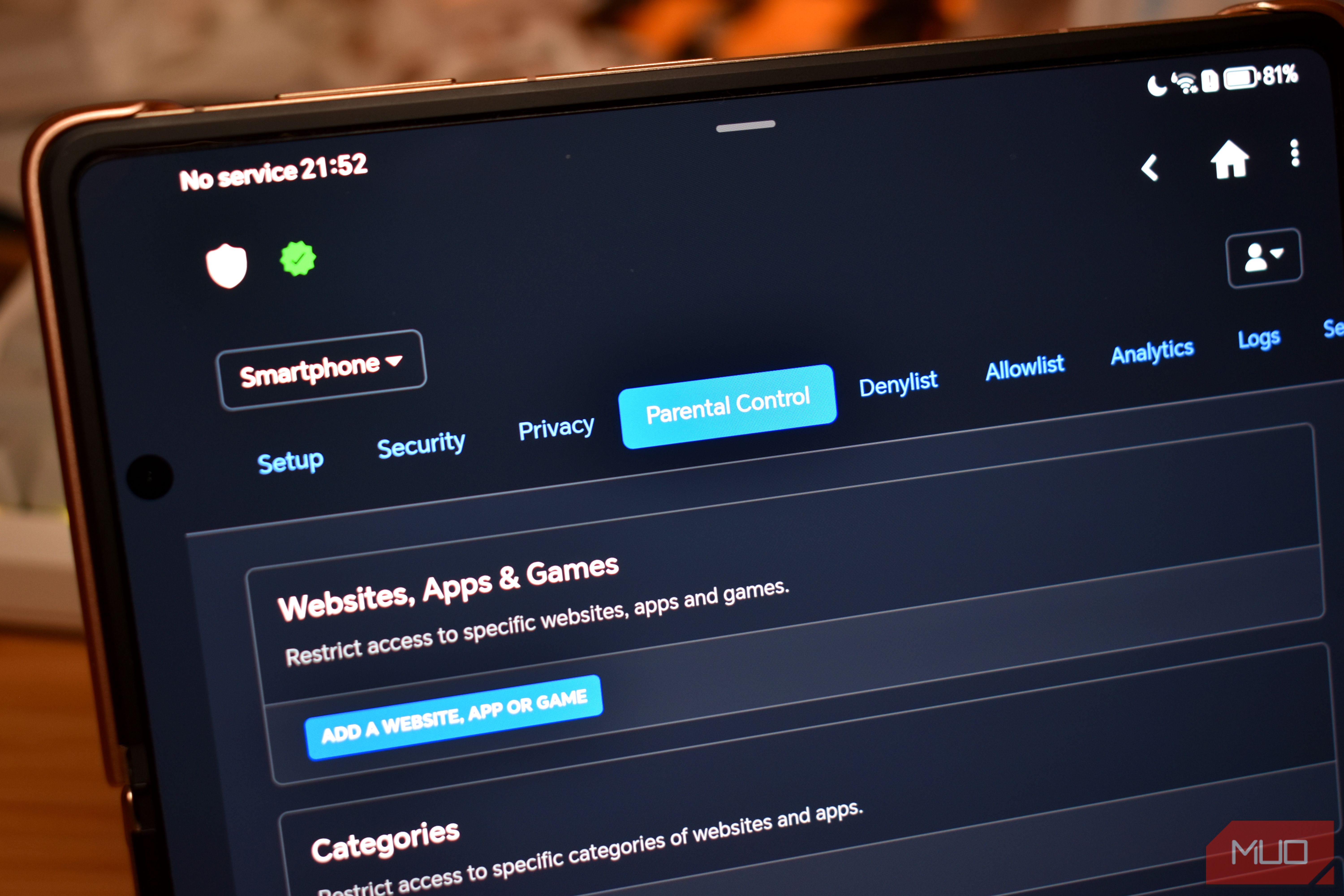
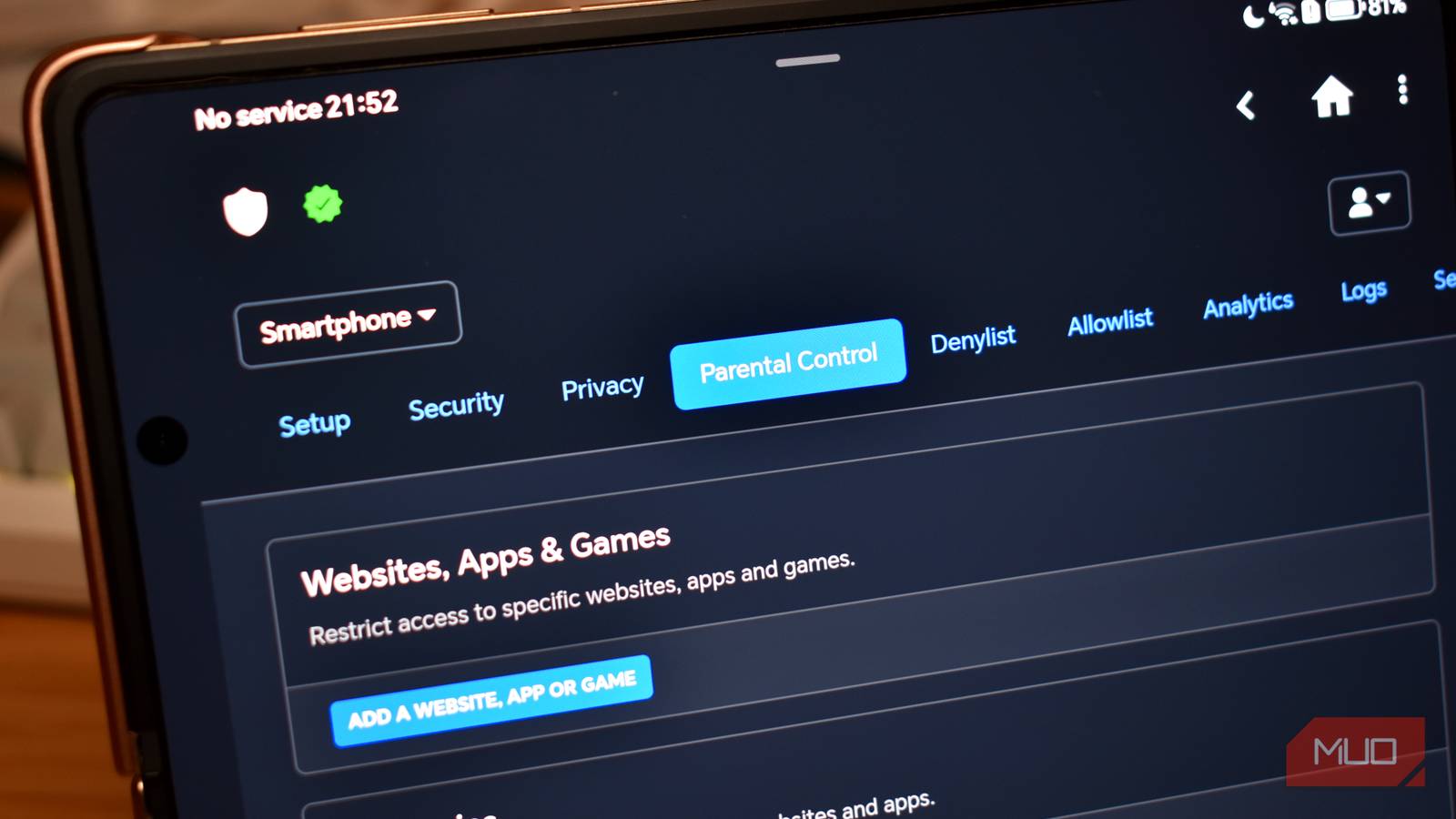
You can enable pre-built security filters (malware, phishing, parental controls), add public blocklists (e.g., OISD, NoTracking), or create your own allow/deny lists. This allows you to block everything from ads to adult content, all from a single control panel.
3. Per-Device Configuration
Assign different profiles to different devices. For example, your work laptop can have a strict security filter, while your smart TV can have fewer restrictions. This is a game-changer for families or home offices.
4. Advanced Analytics
The dashboard shows top queried domains, blocked queries, and trends over time. You can export logs or integrate with tools like Splunk or Datadog for deeper analysis.
5. Privacy-Respecting Logging
NextDNS allows you to choose how long logs are stored (from 24 hours to never) and whether to anonymize IPs. You’re in control of your data—not the other way around.
Comparing Performance and Privacy
One concern with feature-rich DNS services is speed. In my tests across multiple networks, NextDNS consistently matched Cloudflare’s response times—often within 1–2 milliseconds. Both Cloudflare and NextDNS support DNS-over-HTTPS (DoH) and DNS-over-TLS (DoT), ensuring encrypted queries.
Privacy-wise, NextDNS is equally competitive. Its privacy policy is clear: it logs only what you choose to retain, and it does not sell or share your browsing data. Quad9 and Cloudflare also have strong privacy stances, but NextDNS gives you the choice to log and analyze—something the others don’t offer at the consumer level.
Setting Up NextDNS: Easy for Beginners, Powerful for Experts
Getting started is straightforward:
- Create a free account at nextdns.io (free tier covers 300,000 queries per month).
- Configure your settings in the web dashboard (enable blocklists, set logging preferences, etc.).
- Install the app on your device (Windows, macOS, iOS, Android) or configure your router to use the NextDNS IPs.
For advanced setups, you can also link NextDNS with Pi-hole or other local DNS tools to create hybrid filtering. The documentation is excellent, so even non-technical users can follow along.
Who Should Switch to NextDNS?
If you fall into any of these groups, NextDNS is worth considering:
- Power users who want visibility and control over their DNS traffic.
- Families needing per-device parental controls without buying expensive hardware.
- Privacy enthusiasts who want to block trackers, ads, and analytics at the network level.
- IT admins managing small offices or remote teams.
If you’re a casual user happy with Cloudflare or Quad9, you may not need to switch. But if you’ve ever felt limited by their simplicity, NextDNS is the natural next step.
Conclusion: A New Standard for DNS
Cloudflare and Quad9 remain fantastic options for basic DNS security and privacy. But they are static services—what you see is what you get. NextDNS brings DNS into the modern era by combining blazing speed with powerful customization. After months of daily use, I haven’t looked back. The ability to fine-tune my network’s filtering, review logs, and apply rules per device has transformed how I think about online security. If you’re ready to move beyond the basics, give NextDNS a try—you might just find it’s the DNS you’ve been waiting for.