Adobe Premiere Pro Debuts GPU-Accelerated Color Grading Mode at NAB 2026
The NAB Show 2026, taking place in Las Vegas from April 18-22, is buzzing with innovations for video professionals. Among the standout reveals is Adobe's new Color Mode for Premiere Pro, now available in beta. This dedicated grading environment harnesses the power of NVIDIA RTX GPUs to deliver a fluid, responsive experience directly within Premiere. Designed to keep creators in their flow, it eliminates the need to switch to external tools for color correction. Here's what editors need to know about this game-changing feature.
- What exactly is the new Color Mode in Premiere Pro?
- How does GPU acceleration enhance the grading workflow?
- What interface innovations does Color Mode introduce?
- What is the significance of 32-bit color depth in this mode?
- How does the six-luminance-zone system improve tonal control?
- What are context-aware scopes and how do they help?
- How does the clip grid view ensure consistency across shots?
What exactly is the new Color Mode in Premiere Pro?
Color Mode is a beta feature introduced by Adobe at NAB 2026, designed as a dedicated grading environment nested right inside Premiere Pro. Instead of relying on third-party applications for color correction, editors can now perform all adjustments within a clean, responsive interface that minimizes distractions. The mode operates in 32-bit color depth for the first time, offering maximum fidelity and preventing clipping. Every control—from bidirectional sliders to multi-zone tonal shaping—is accelerated by NVIDIA GPUs (GeForce RTX and RTX PRO), ensuring real-time feedback during playback and iteration. This integration means editors can stay creative without switching contexts, making color grading faster and more intuitive.
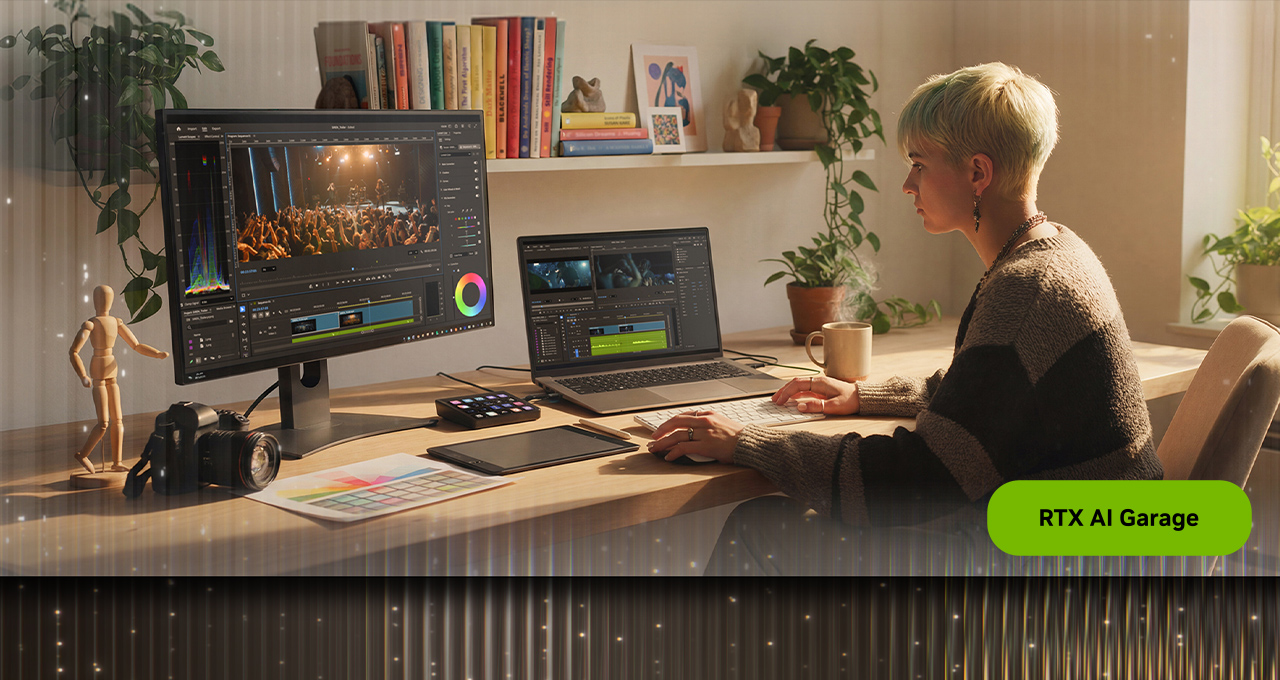
How does GPU acceleration enhance the grading workflow?
Color grading is one of the most compute-intensive tasks in post-production, requiring heavy processing for real-time previews. Adobe's new Color Mode offloads all adjustments—including bidirectional controls, multi-zone tonal shaping, and stacked color operations—onto NVIDIA RTX GPUs. This GPU acceleration significantly speeds up playback and visual feedback, allowing editors to iterate rapidly. On systems equipped with GeForce RTX or RTX PRO cards, complex grading operations run smoothly without lag, enabling immediate preview of changes. The result is a more fluid creative flow where editors can make precise adjustments without waiting for renders, ultimately reducing turnaround times for projects.
What interface innovations does Color Mode introduce?
The interface is built around a large program monitor that provides instant visual feedback as adjustments are made. Controls are organized into focused modules, each dedicated to a specific aspect of grading—such as exposure, color balance, or stylization. Multiple modules can be active simultaneously, giving editors flexibility while maintaining clarity. Each control features a unique heads-up display (HUD) that offers contextual guidance without cluttering the screen. This design philosophy ensures that editors can quickly understand how each tool affects the image, reducing the learning curve and speeding up decision-making. The clean, uncluttered layout helps maintain concentration on the creative task at hand.
What is the significance of 32-bit color depth in this mode?
By operating in 32-bit color depth, the new Color Mode delivers the highest possible color fidelity, preserving subtle gradations and preventing unwanted banding or clipping. This is crucial for professional work where accurate color representation is paramount, such as in film and broadcast. Compared to the standard 8-bit or 10-bit workflows, 32-bit allows for a much broader range of tonal values, enabling editors to make extreme adjustments without degrading image quality. Even with heavy grading, highlights remain smooth, shadows retain detail, and color transitions appear natural. This enhanced precision ensures that the final output meets the rigorous standards of high-end production, giving editors confidence in their looks.

How does the six-luminance-zone system improve tonal control?
Traditional color grading tools often split the image into three zones: highlights, midtones, and shadows. Adobe's Color Mode expands this to six distinct luminance adjustment zones, offering editors finer granularity. This allows for more nuanced tonal shaping—for example, independently controlling the brightness of deep shadows versus mid-shadows, or adjusting the roll-off in highlights. Each zone can be manipulated without affecting others, giving editors the power to fine-tune the image's contrast and exposure with surgical precision. Whether sculpting a cinematic look or correcting lighting imbalances, the six-zone system provides the flexibility to achieve complex results without resorting to masks or multiple layers. This innovation is particularly useful for scenes with challenging lighting conditions.
What are context-aware scopes and how do they help?
Color grading scopes—such as waveform monitors, vectorscopes, and histograms—are essential for evaluating luminance and color balance. In the new Color Mode, these scopes are context-aware, meaning they dynamically adapt based on the selected tool. For example, when you adjust the midtones, the scope highlights that specific range, making it easier to see exactly how your changes affect the image. HUD overlays provide visual cues directly within the scopes, so editors don't have to interpret complex graphs. This reduces cognitive load and accelerates the grading process. Instead of switching focus between the image and the scope, editors get integrated feedback that helps them make faster, more accurate decisions. It's like having a smart assistant that simplifies technical data.
How does the clip grid view ensure consistency across shots?
Maintaining a cohesive look across multiple shots is a hallmark of professional color grading. The Color Mode's clip grid view displays thumbnails of all clips in a sequence, allowing editors to see the progression of grades at a glance. This visual overview makes it easy to spot inconsistencies—such as a shot that's too warm or too dark—and adjust it to match the surrounding clips. Editors can quickly navigate between shots, apply grades from one clip to another, and ensure that the overall project has a unified aesthetic. This feature is especially valuable for long-form content like films or series, where color must remain consistent scene-to-scene. By visualizing the entire sequence, editors can enforce a cohesive look efficiently.